
JPG vs PNG: What's the Difference and Which Should You Use?
Compare JPG and PNG image formats, understand compression, transparency, quality, file size and choose the right format for websites, logos, screenshots and photos.
Quick summary
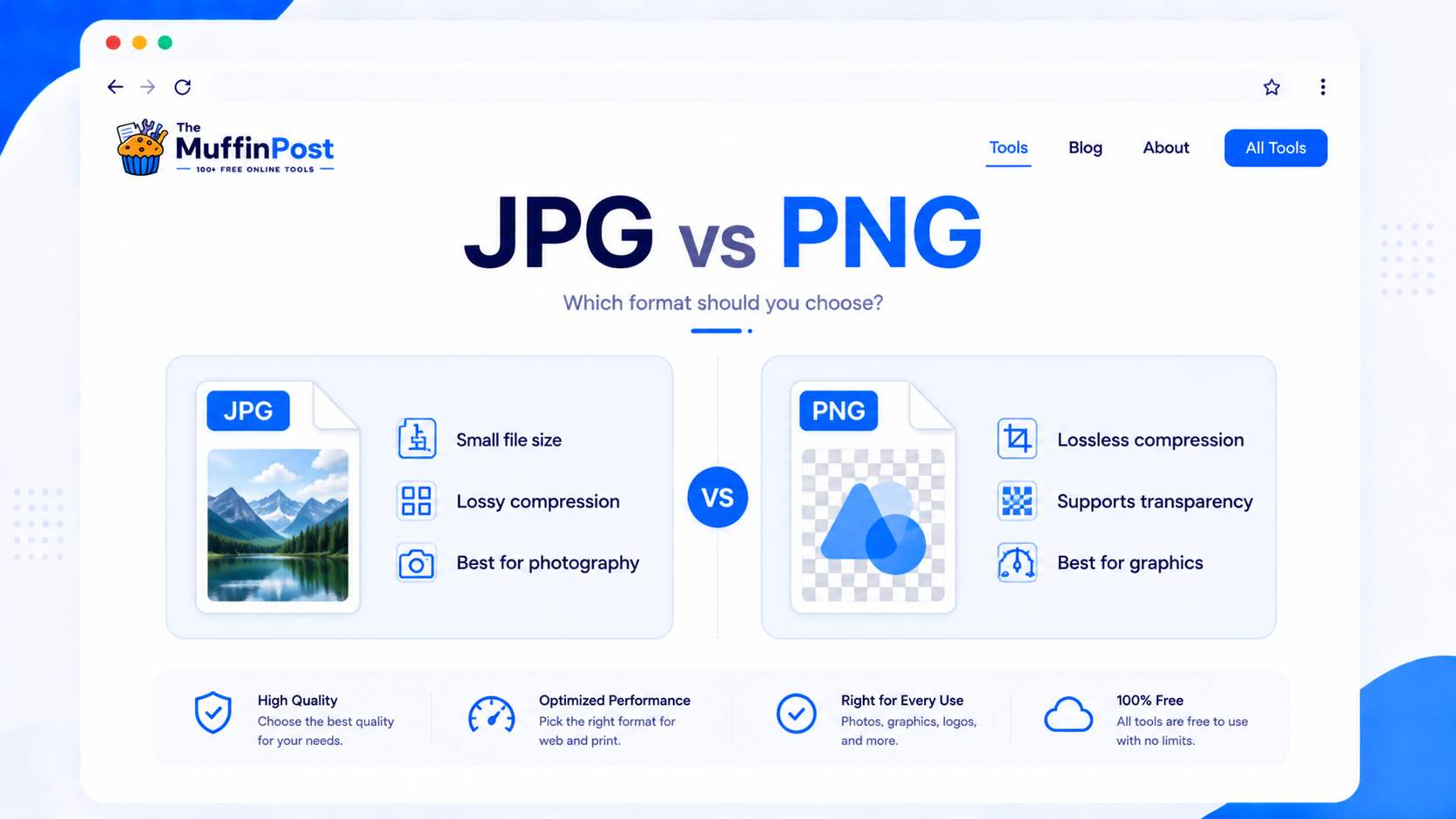
JPG is usually best for photos and smaller file sizes, while PNG is better for logos, icons, screenshots, sharp graphics and images that need transparency. The right choice depends on whether you care more about file size, image quality, transparency or sharp edges.
Key takeaways
- Use JPG for photos, blog images and social media images where small file size matters.
- Use PNG for transparent backgrounds, logos, icons, UI graphics and crisp screenshots.
- For website speed, compress images and consider WebP when possible.
What is the difference between JPG and PNG?
JPG and PNG are both popular image formats, but they are designed for different types of images. JPG uses lossy compression, which means it can make photos much smaller by removing some image data. PNG uses lossless compression, which keeps sharper details and supports transparency, but usually creates larger files.
This is why JPG is common for photography, blog visuals and web galleries, while PNG is common for logos, icons, screenshots, transparent graphics and interface elements.
JPG vs PNG comparison
The table below summarizes the most important differences between JPG and PNG for everyday use.
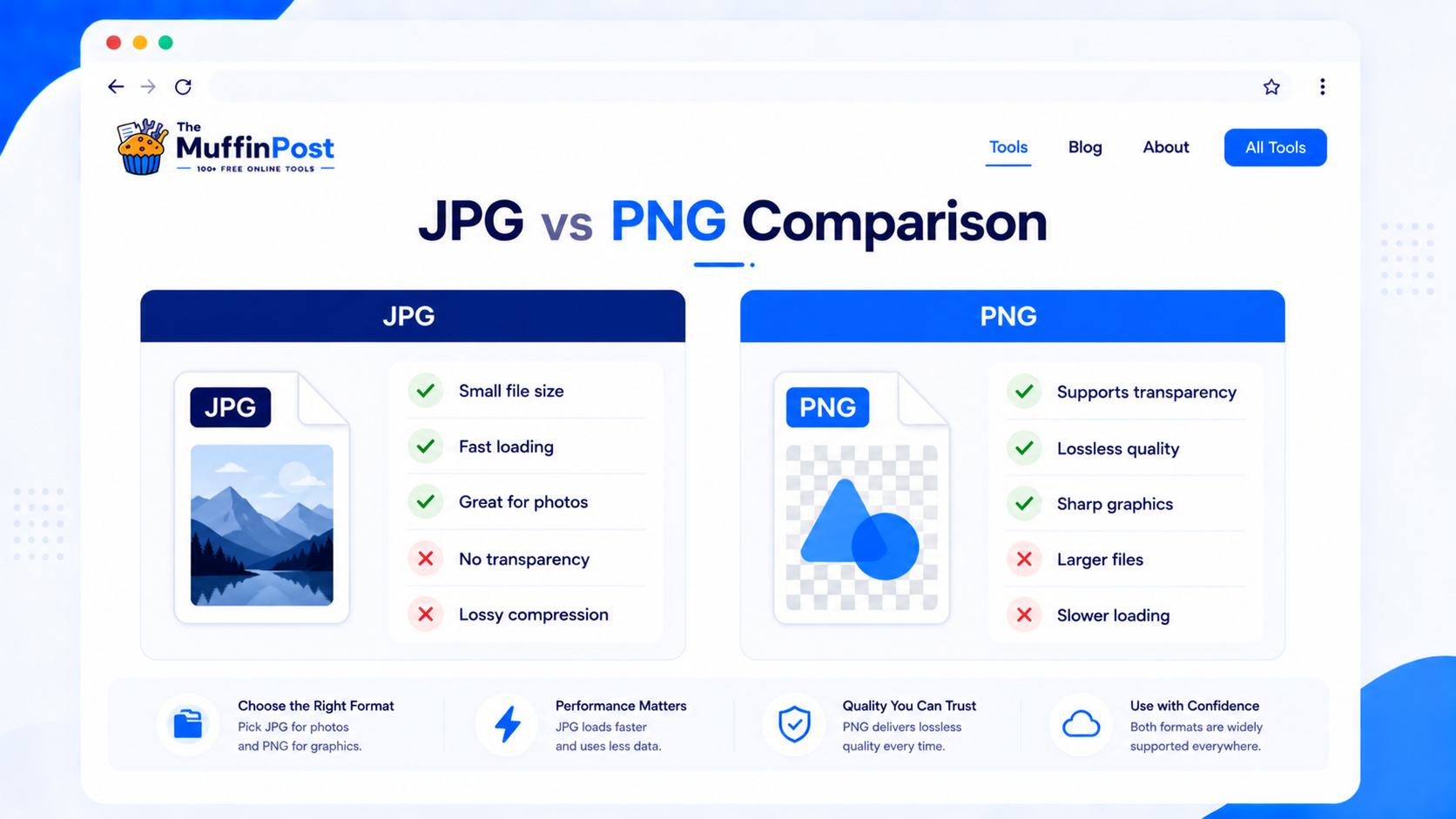
| Feature | JPG | PNG |
|---|---|---|
| Compression | Lossy | Lossless |
| File size | Usually smaller | Usually larger |
| Transparency | No | Yes |
| Best for | Photos and web images | Logos, icons and screenshots |
| Sharp text/lines | Can blur or show artifacts | Usually stays crisp |
JPG, PNG or WebP: quick format guide
For modern websites, WebP is often worth considering after you choose and prepare the original JPG or PNG file.
Choose JPG
Best for photographs, product images and colorful visuals where a smaller file matters more than transparency.
Choose PNG
Best for logos, interface elements, screenshots, text-heavy graphics and transparent backgrounds.
Choose WebP
Best for modern web delivery when you want strong compression with good visual quality.
When should you use JPG or PNG?
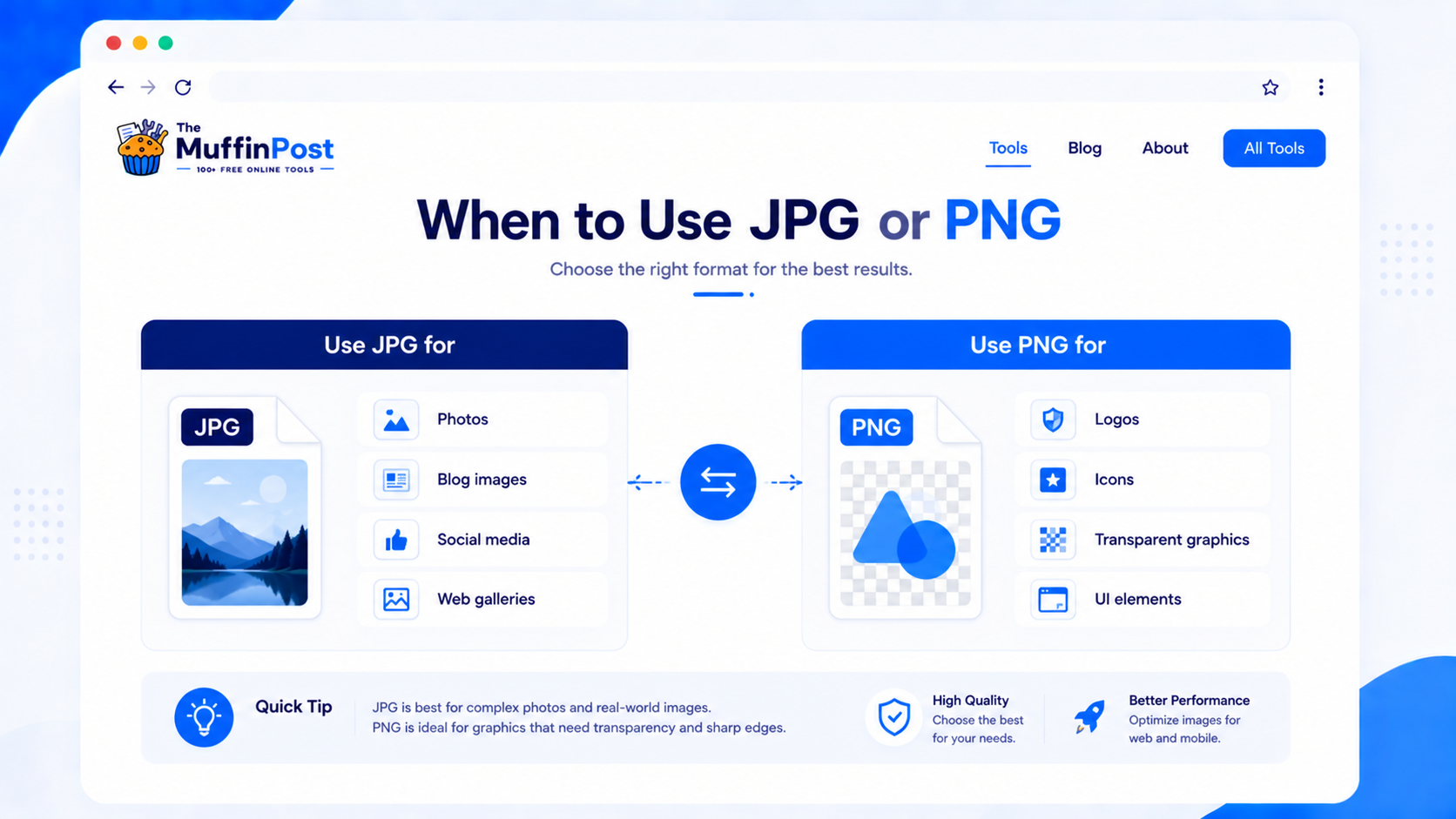
The easiest way to decide is to look at the type of image. Photos and colorful realistic images usually work better as JPG. Graphics with sharp edges, text, transparency or simple colors often work better as PNG.
Use JPG for photos
JPG is ideal for photographs, blog images, product photos and social media visuals because it keeps file sizes smaller.
Use PNG for transparency
PNG is the right choice when the image needs a transparent background, such as logos or icons.
Use converters when needed
Convert formats with JPG to PNG or PNG to JPG.
Complete image workflows
Choosing JPG or PNG is only one step. Most image projects continue with resizing, compression and format conversion.
JPG vs PNG file size
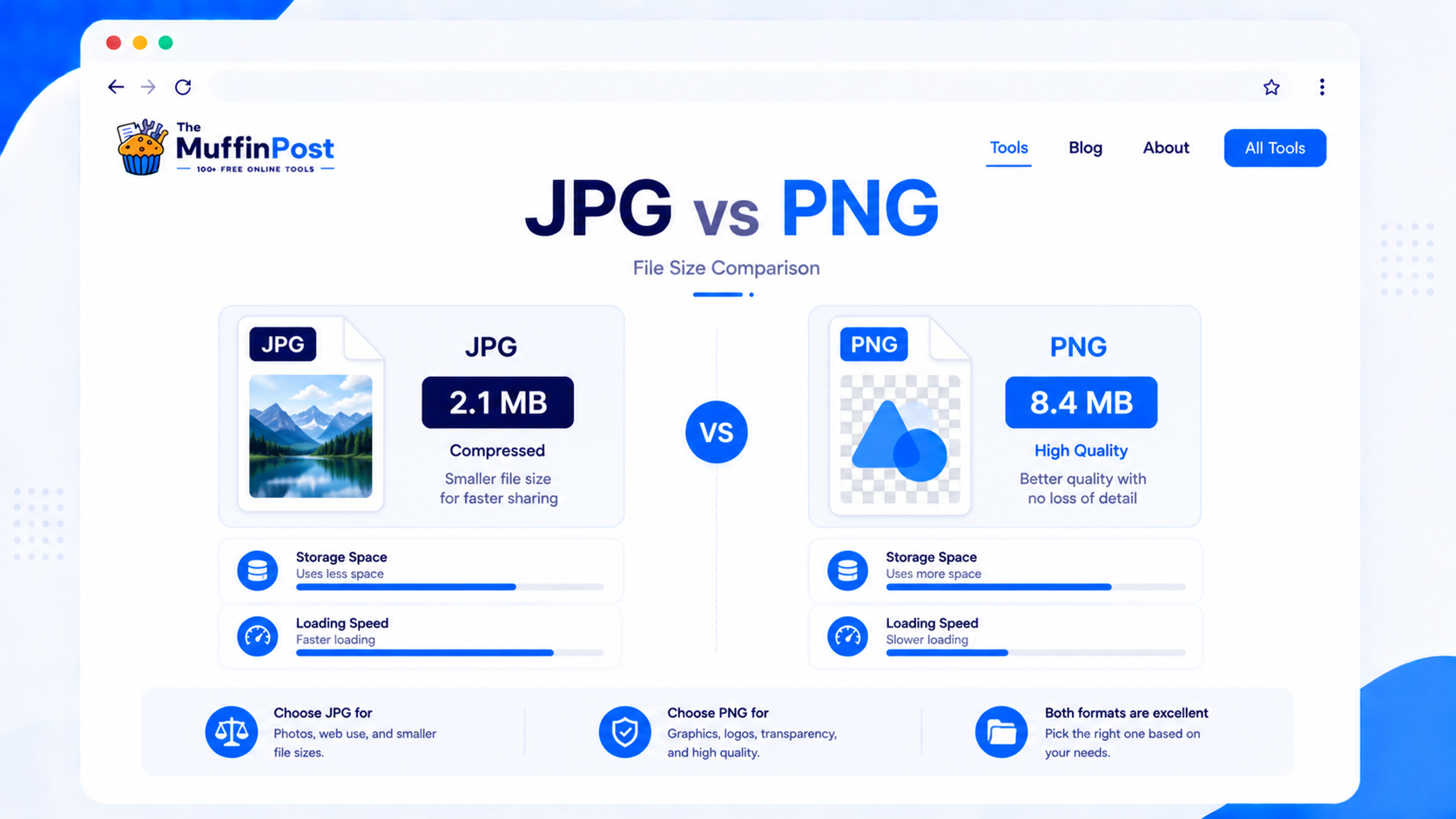
File size is one of the biggest differences between JPG and PNG. JPG files are often much smaller because the format is built for compression. PNG files can be larger because they preserve more detail and support transparency.
Common JPG and PNG mistakes
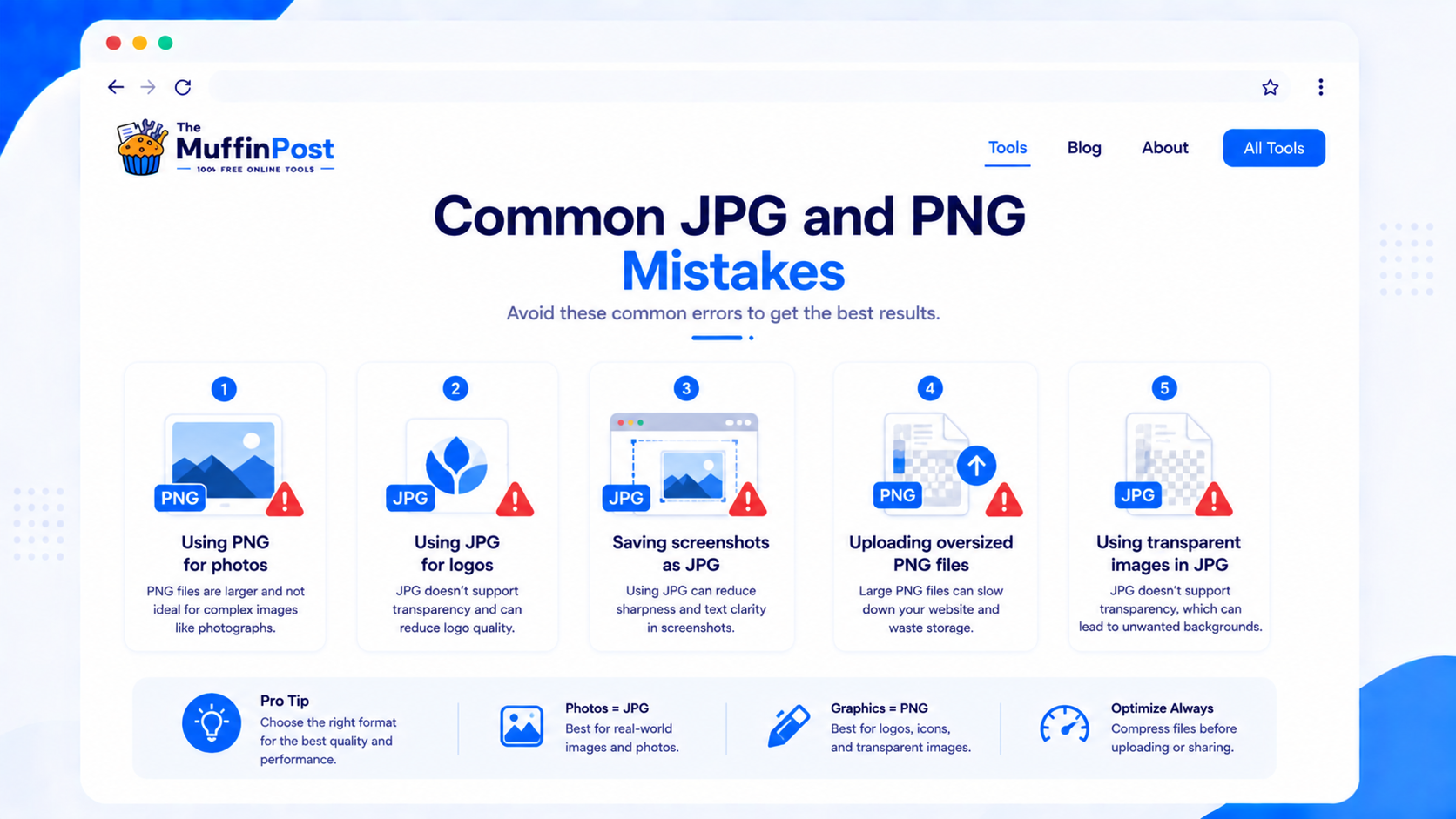
PNG photos can become unnecessarily large. JPG is usually better for realistic photography.
JPG does not support transparency, so transparent backgrounds will not work correctly.

Start optimizing your images
Choose the correct format, then resize, compress or convert the image for websites, social media, email or storage.
Open Image ToolsCompress ImageHow to choose JPG or PNG
When in doubt, decide based on the purpose of the image. If you need the smallest practical file for a photo, choose JPG. If you need transparency or crisp graphics, choose PNG.
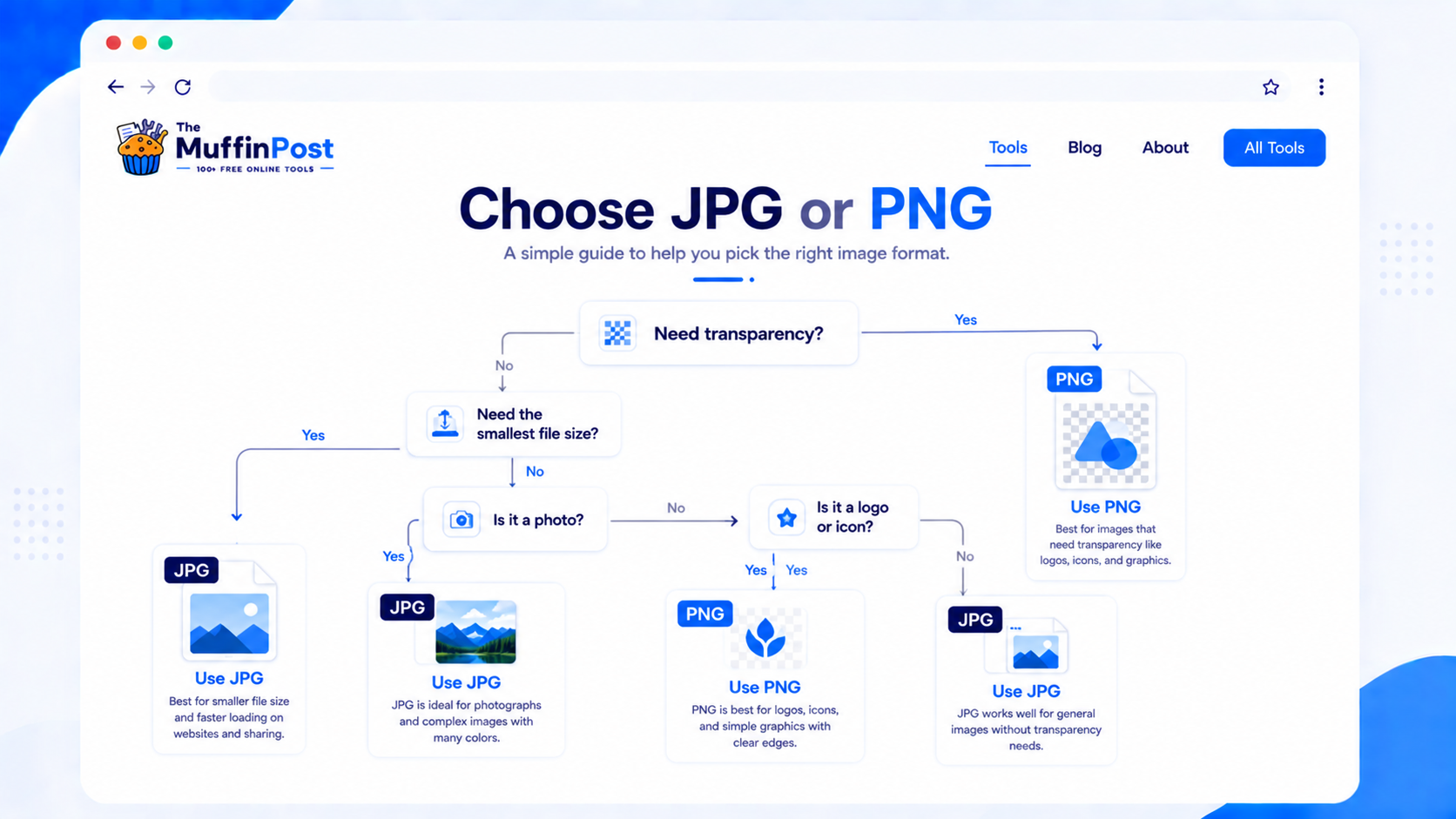
Image Learning Center
Continue with the complete image optimization guide collection.
Frequently asked questions
Is JPG or PNG better?
Neither is always better. JPG is better for photos and smaller file sizes. PNG is better for transparency, logos, icons and sharp graphics.
Does PNG have better quality than JPG?
PNG uses lossless compression, so it often preserves sharp details better than JPG. However, PNG files are usually larger.
Does JPG support transparency?
No. JPG does not support transparent backgrounds. Use PNG when transparency is required.
Which format is best for websites?
JPG is often best for photos, PNG is better for logos and transparent graphics, and WebP can be a strong option for performance.
Can I convert JPG to PNG?
Yes. Use the JPG to PNG tool to convert a JPG image into PNG format.
Can I convert PNG to JPG?
Yes. Use the PNG to JPG tool when you want a smaller photo-style file and do not need transparency.
Why are PNG files larger than JPG?
PNG preserves more image data and supports transparency, which often makes files larger than compressed JPG images.
Should I use JPG, PNG or WebP?
Use JPG for photos, PNG for transparency and sharp graphics, and WebP when you want modern web compression with good quality.
About the author
The MuffinPost Editorial Team creates practical guides for online tools, productivity, file conversion, calculators, marketing workflows and developer utilities.
Complete your image project
Convert, resize, compress, crop, rotate and optimize images using the complete collection of free browser-based image tools.
Browse Image ToolsResize ImageCompress Image