
Best Free PDF Tools Online
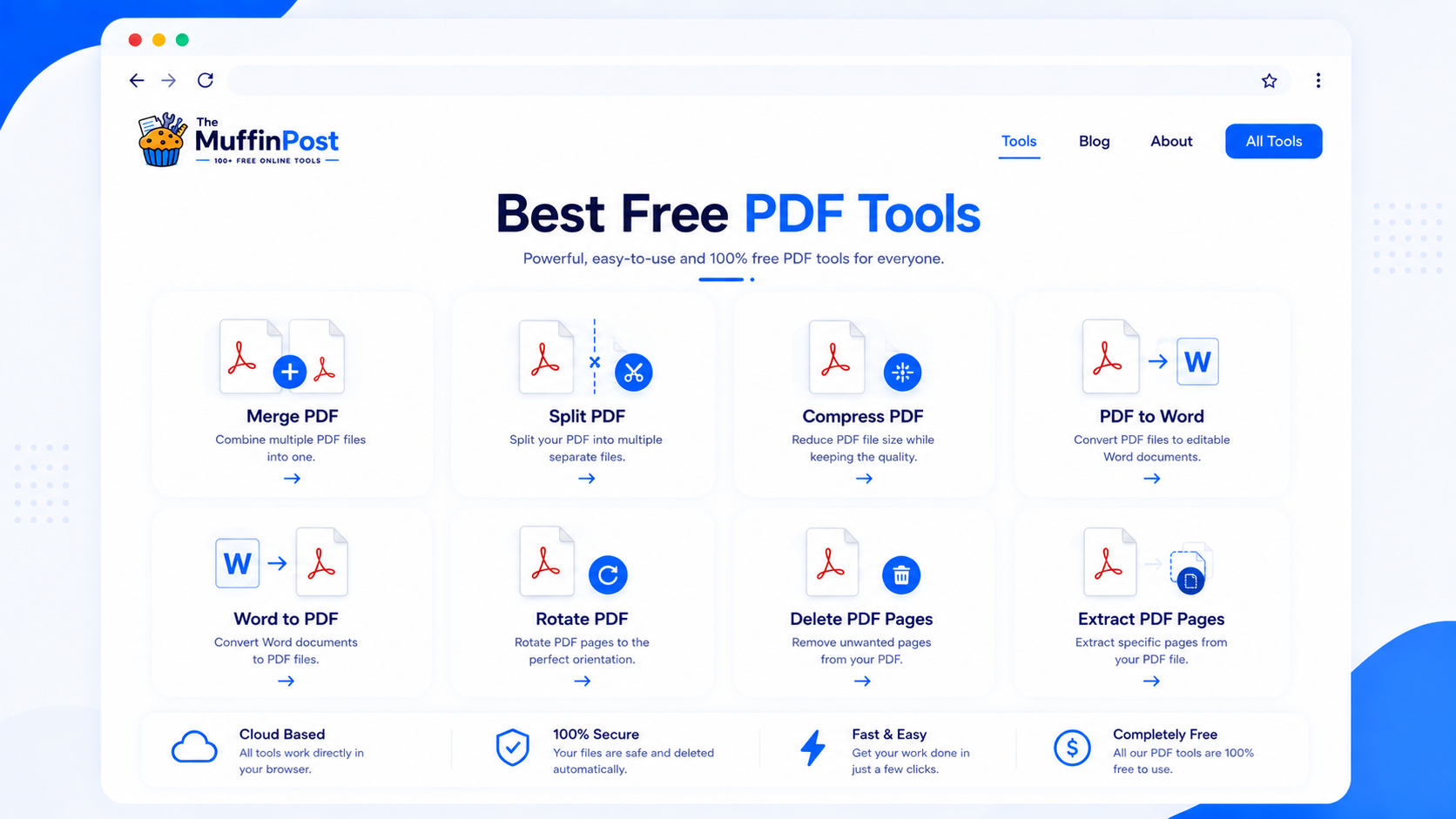
Explore the best free PDF tools for everyday document work, including merging, splitting, compressing, converting, rotating, deleting pages and extracting content.
Quick summary
The best free PDF tools help you complete everyday document tasks directly in your browser. You can merge files, split pages, compress large PDFs, convert PDF to Word, turn images into PDFs, rotate pages, remove pages, extract text and organize documents without installing complicated software.
Key takeaways
- Free PDF tools can replace many small desktop utilities for common document tasks.
- The right tool depends on whether you need to combine, separate, reduce, convert or organize a PDF.
- A strong PDF workflow often uses multiple tools together, such as Merge PDF, Compress PDF and PDF to Word.
Popular PDF tool categories
PDF tools usually fall into a few practical categories. Some tools combine documents, some separate pages, some reduce file size and others convert PDFs into different formats. Understanding these categories makes it easier to choose the right tool quickly.
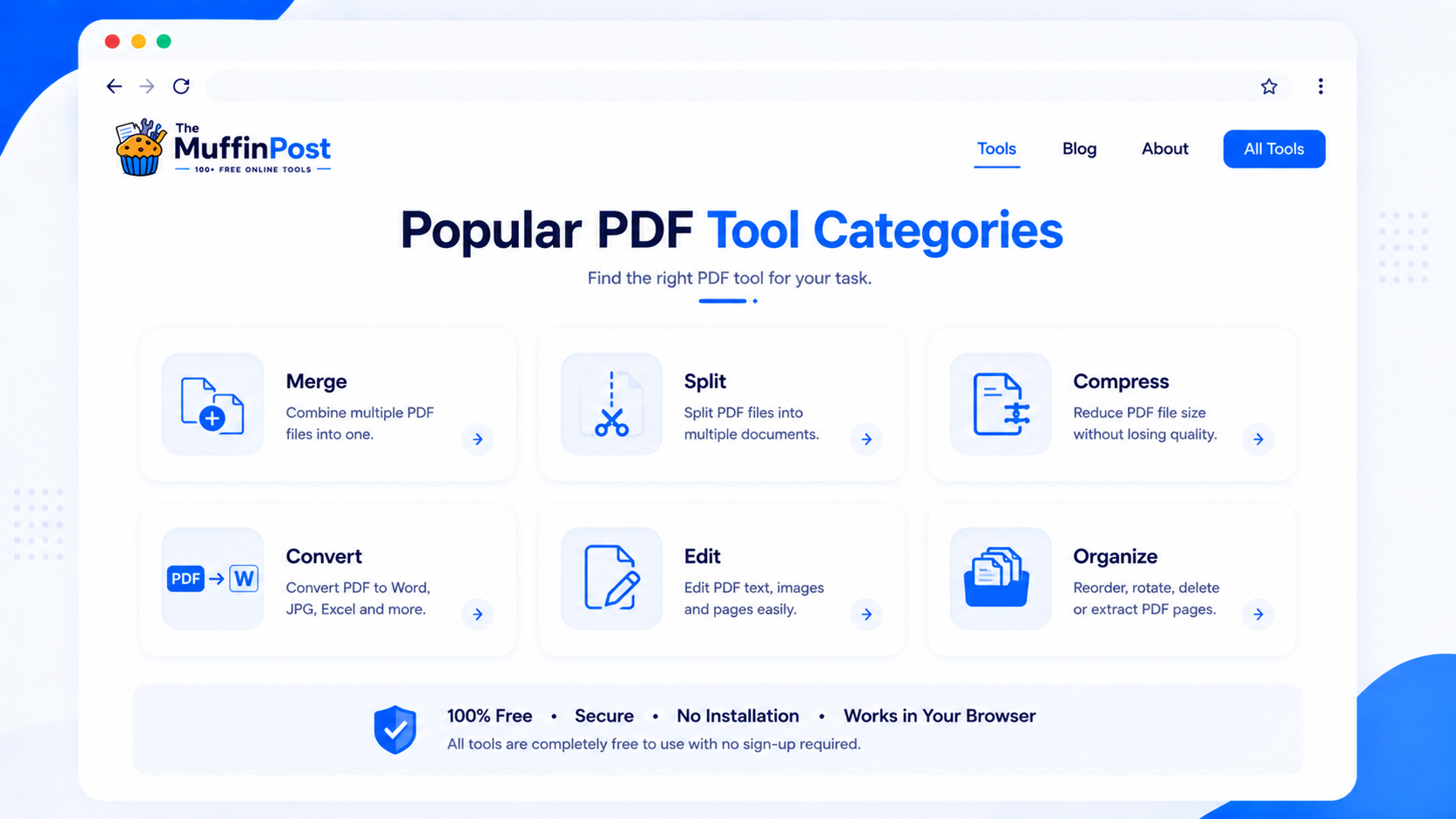
Combine
Use Merge PDF to join several PDFs into one file.
Separate
Use Split PDF or Extract PDF Pages to separate content.
Reduce
Use Compress PDF to make large files easier to share.
Complete free PDF tool catalog
Use this catalog to move directly to the tool that matches your task. Each tool is connected to related workflows, so users can continue without returning to the homepage.
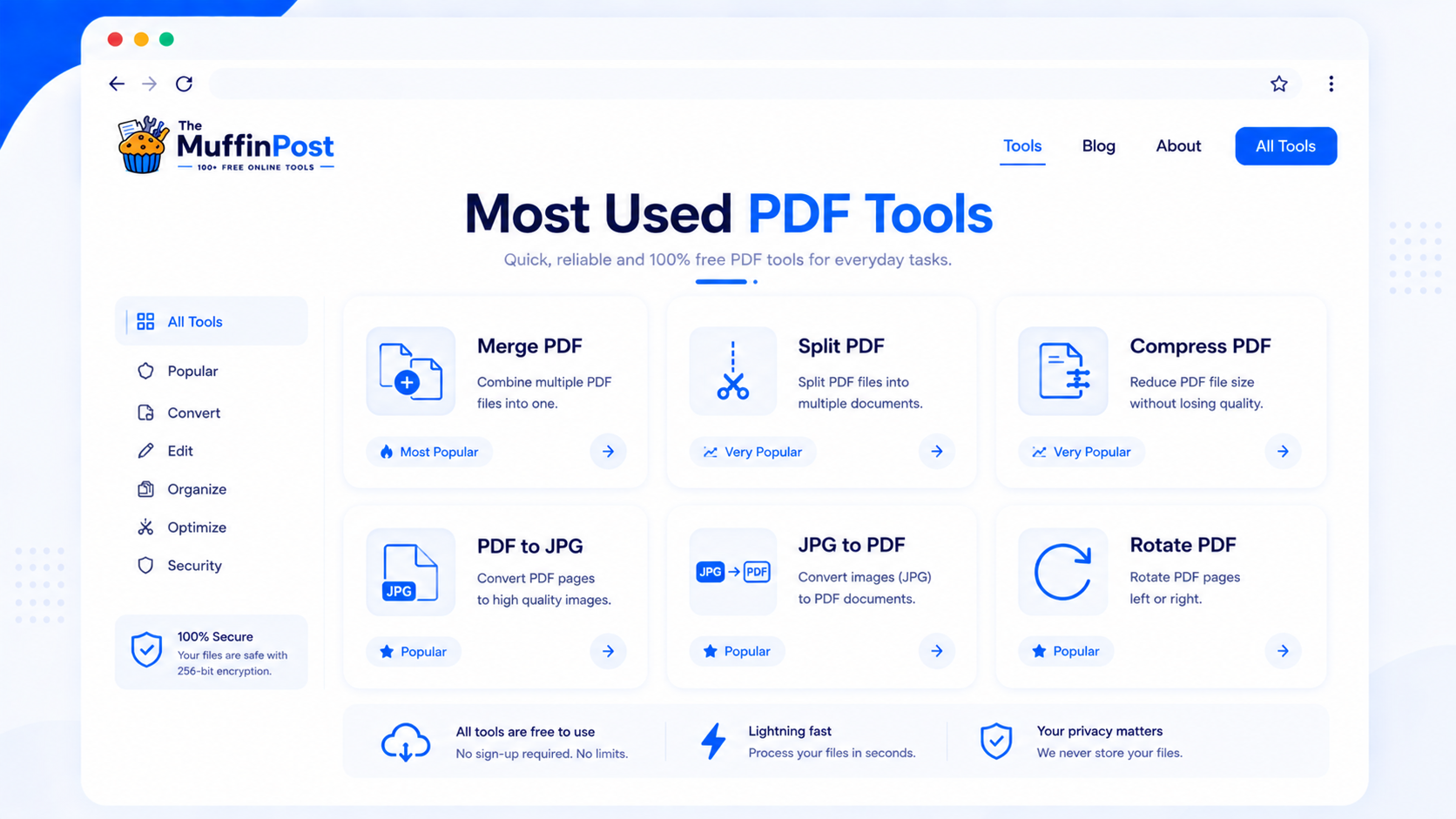
Merge PDF
Join multiple PDFs into one organized document.
SeparateSplit PDF
Separate pages or page ranges into smaller files.
OptimizeCompress PDF
Reduce PDF size for email, uploads and storage.
OrganizeExtract PDF Pages
Save only the pages you need from a document.
CleanDelete PDF Pages
Remove blank, duplicate or unwanted pages.
FinalizeAdd Page Numbers
Number reports, ebooks, proposals and contracts.
ConvertPDF to Word
Turn selectable PDF text into an editable document.
ConvertPDF to JPG
Convert every PDF page into a JPG image.
CreateJPG to PDF
Turn JPG, PNG or WebP images into one PDF.
ExtractPDF to Text
Extract readable plain text from compatible PDFs.
OrganizeRotate PDF
Correct the orientation of PDF pages.
InspectPDF Metadata Viewer
Review document title, author and metadata details.
Complete PDF workflows
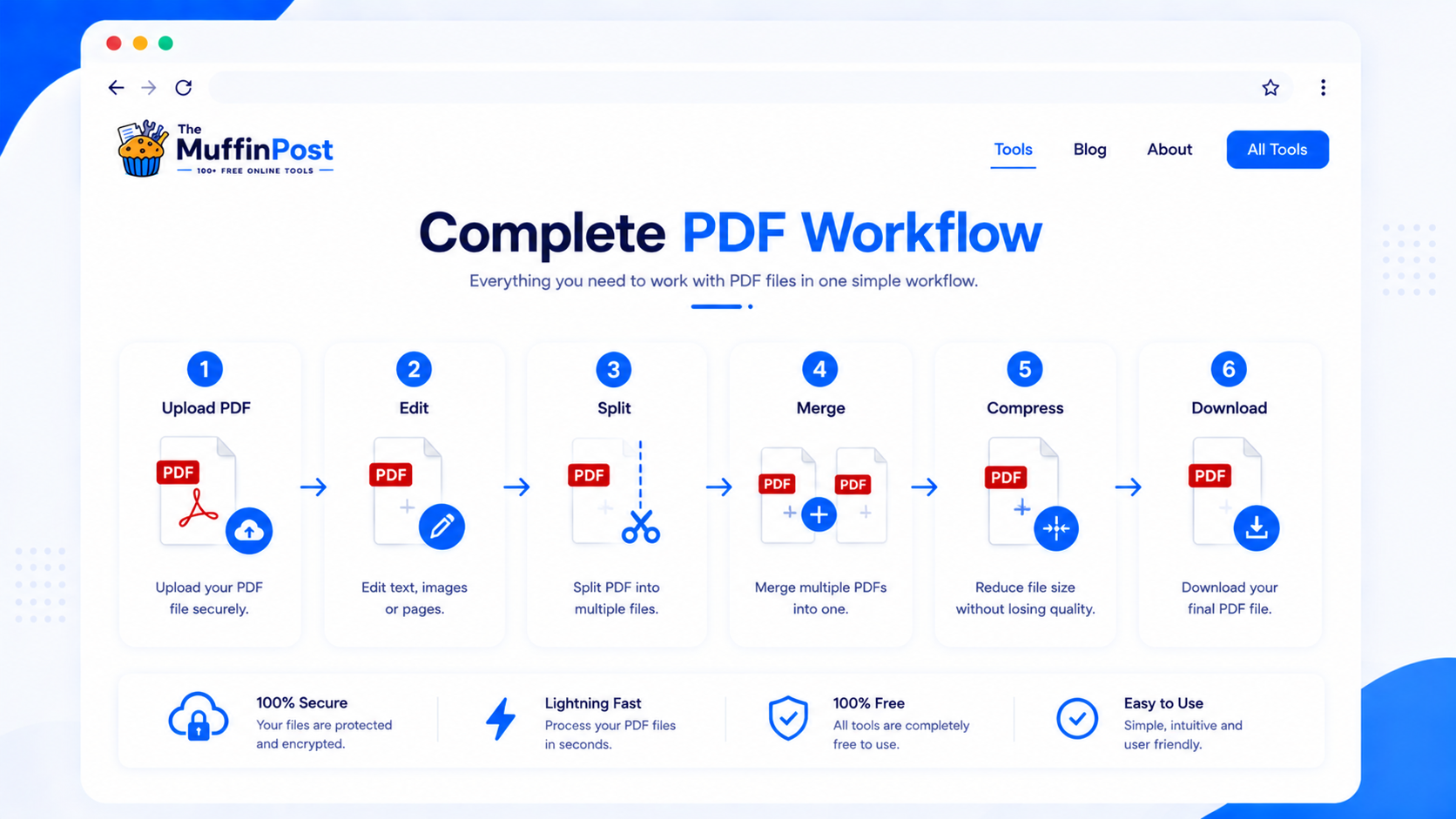
The strongest document workflow usually combines several tools. Choose the sequence that matches your project.
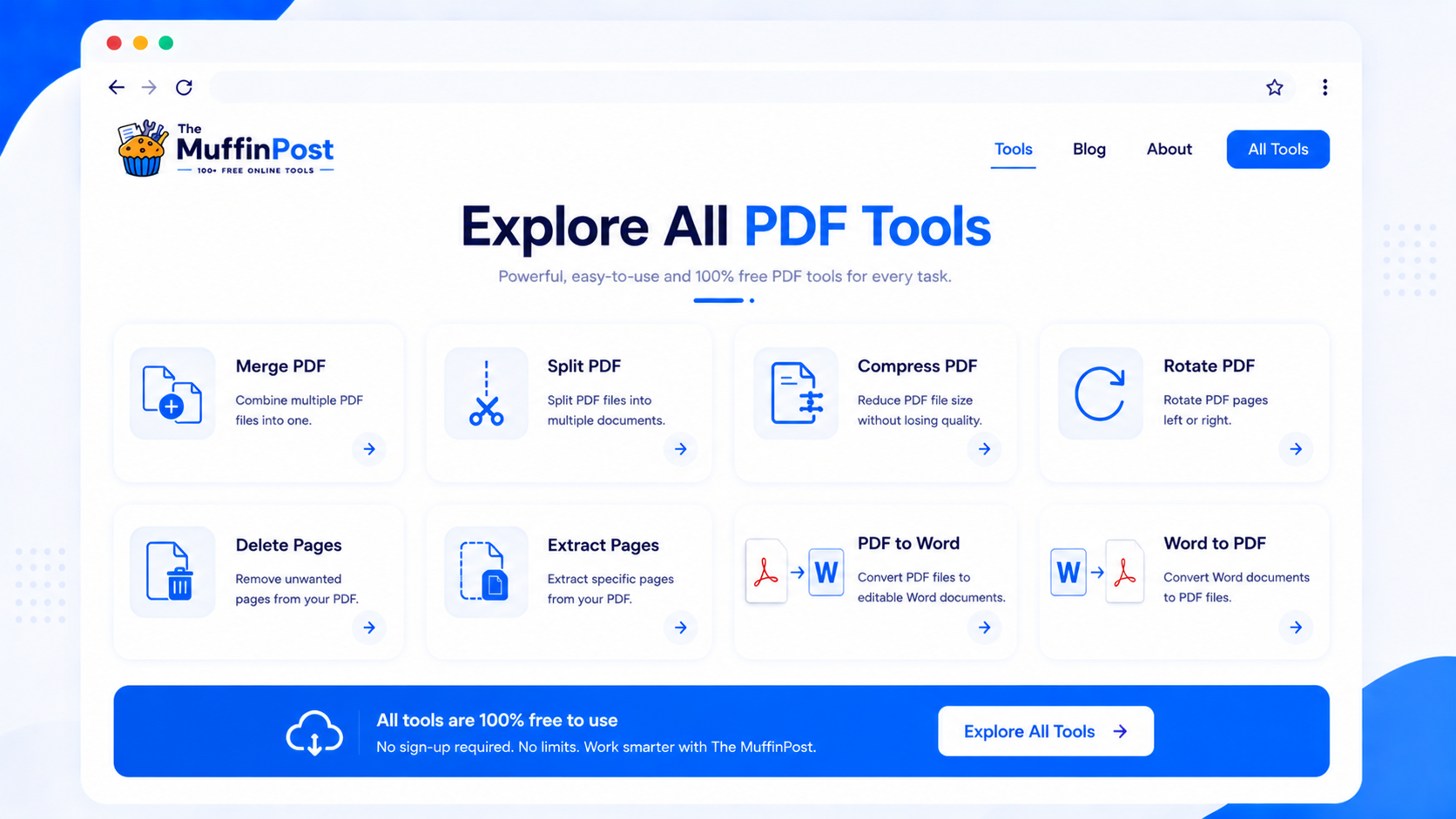
Start with the complete PDF Tools hub
Open the full PDF Tools category, choose a task and continue through related tools without leaving the PDF ecosystem.
Open PDF ToolsBrowse All ToolsHow to choose the right PDF tool
The easiest way to choose a PDF tool is to start with your goal. Are you trying to combine files, make a file smaller, extract pages, convert to another format or organize a document before sending it?
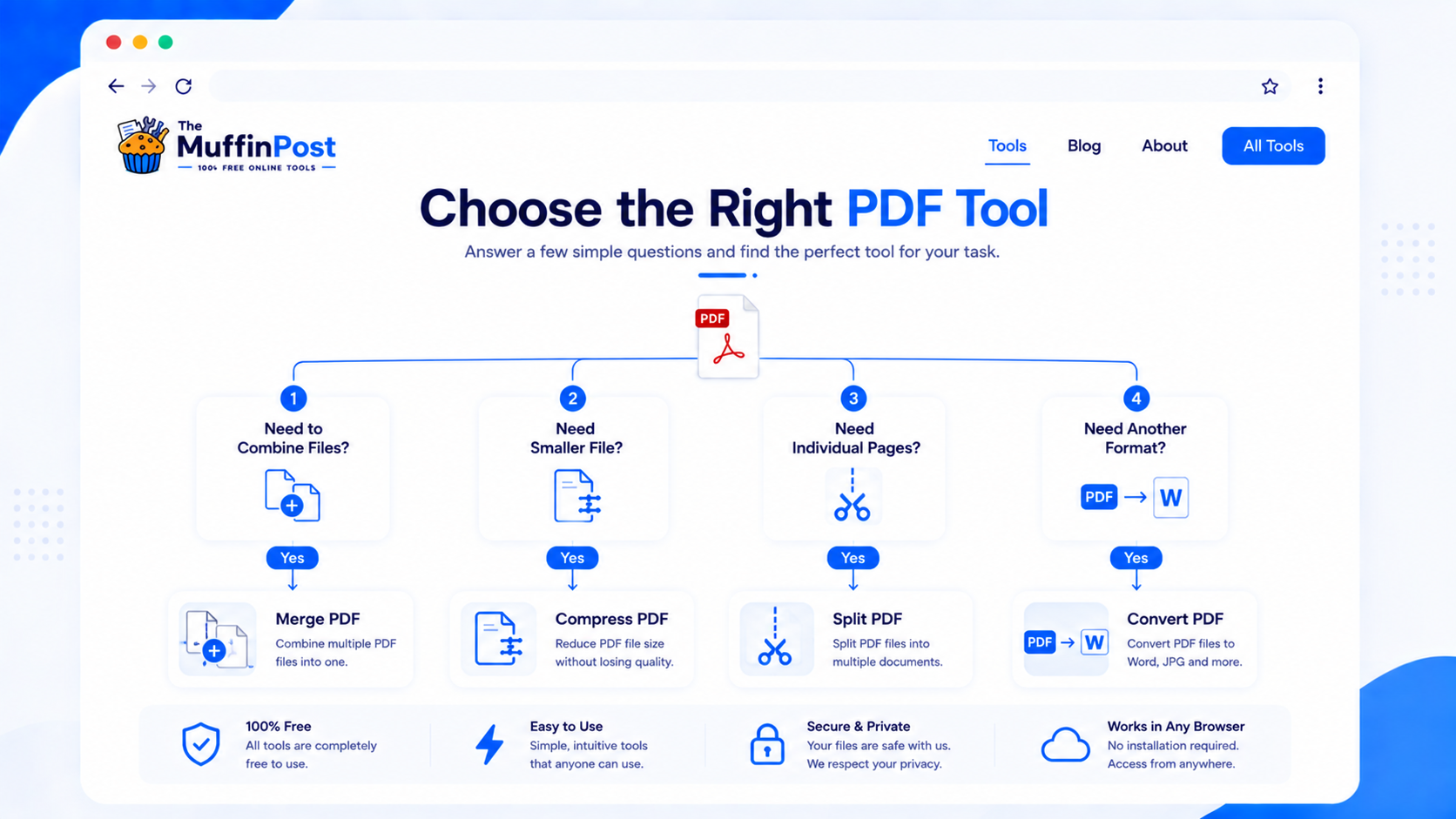
| If you need to... | Use this tool | Why |
|---|---|---|
| Combine files | Merge PDF | Creates one PDF from several documents. |
| Separate pages | Split PDF | Breaks one PDF into smaller files. |
| Reduce file size | Compress PDF | Makes PDFs easier to upload and share. |
| Remove pages | Delete PDF Pages | Removes unnecessary pages from a document. |
| Convert to editable text | PDF to Word | Helps reuse or edit PDF text. |
| Read text from a PDF | PDF to Text | Extracts plain text from PDF content. |
Choose a tool by task
Use these shortcuts when you know the result you need but not the tool name.
Best practices when using online PDF tools
Keep originals
Always keep a copy of the original document before modifying or compressing it.
Check the final file
Open the result before sending it, especially for contracts, invoices, forms or official documents.
Use the right order
For many workflows, merge first, organize pages second and compress last.
PDF Learning Center
Use these guides to understand the most common PDF workflows in greater detail.
Frequently asked questions
What are the best free PDF tools online?
Common choices include Merge PDF, Split PDF, Compress PDF, PDF to Word, JPG to PDF, PDF to JPG, Rotate PDF and Extract PDF Pages.
Can I use PDF tools without installing software?
Yes. Browser-based PDF tools let you complete common document tasks online without installing desktop software.
Which PDF tool should I use to combine files?
Use Merge PDF when you want to combine multiple documents into one PDF.
Which tool reduces PDF file size?
Use Compress PDF to reduce file size for email, uploads and storage.
Can I convert PDF to Word?
Yes. Use PDF to Word when you need editable text from a PDF document.
Can I turn images into PDF files?
Yes. Use JPG to PDF when you want to convert image files into PDF documents.
Can I remove pages from a PDF?
Yes. Use Delete PDF Pages to remove unwanted pages from a document.
Where can I find all PDF tools?
You can browse the full PDF Tools category on The MuffinPost to find merge, split, compress, convert and organize tools.
Recommended reading next
These four guides form the complete PDF learning cluster.

About the author
The MuffinPost Editorial Team creates practical guides for online tools, productivity, file conversion, calculators, marketing workflows and developer utilities.
Start your PDF workflow
Choose from the complete collection of free browser-based PDF tools for merging, splitting, compression, conversion, page organization and document cleanup.
Browse PDF ToolsMerge PDFCompress PDF