
What Is Lorem Ipsum?
Learn what Lorem Ipsum is, where it comes from, why designers use placeholder text and how to use dummy text correctly before publishing.
Quick summary
Lorem Ipsum is placeholder text used in design, typography, publishing and web development. It helps designers focus on layout, spacing and visual hierarchy before the final content is ready. It should be replaced with real copy before publishing.
Key takeaways
- Lorem Ipsum is dummy text used to test layouts and typography.
- It helps designers avoid distractions from unfinished content.
- It should never appear on a published page by accident.
- Use realistic text length to test responsive layouts properly.
What is Lorem Ipsum?
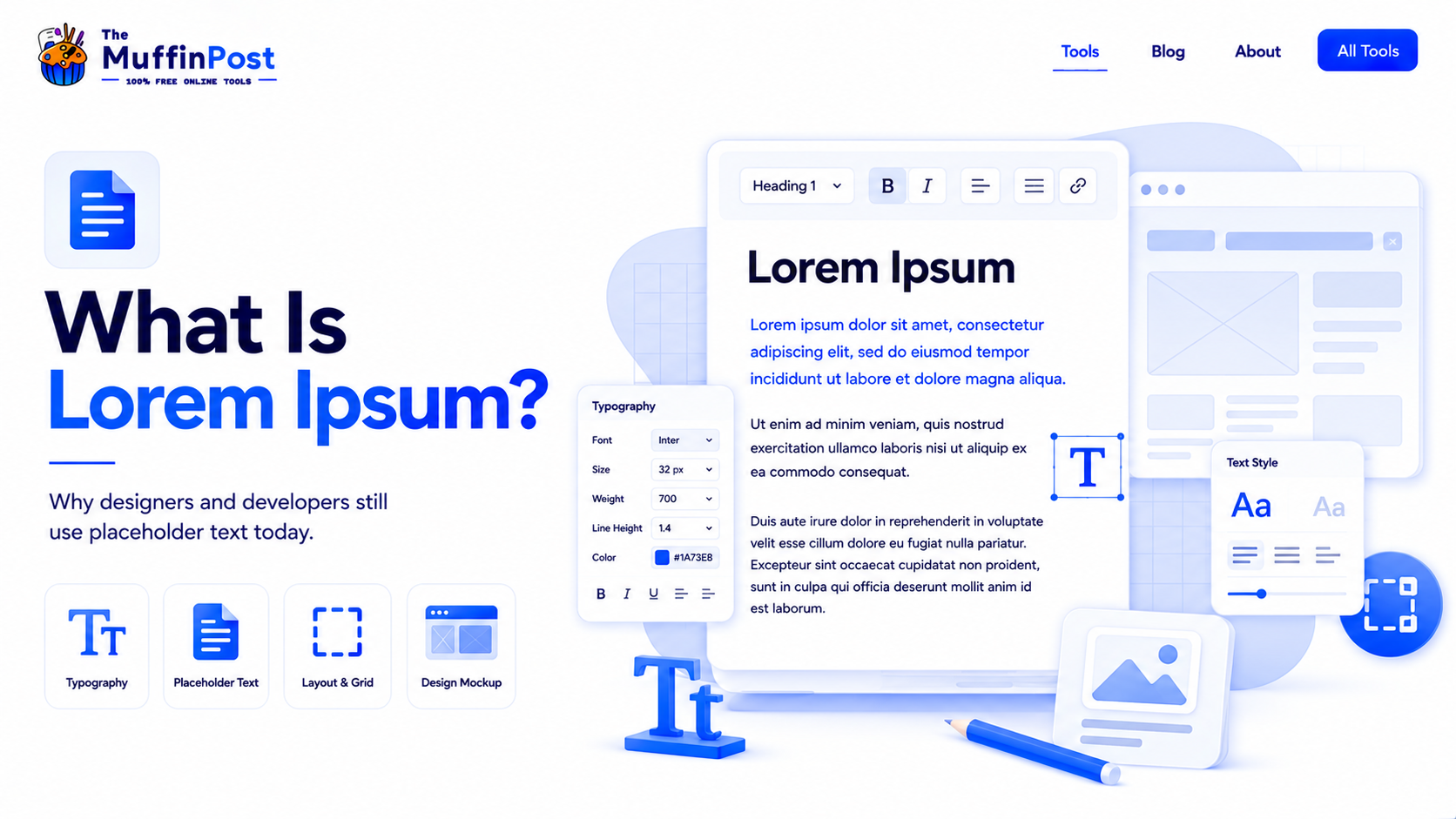
Lorem Ipsum is a type of placeholder text commonly used in graphic design, web design, app design and publishing. Instead of using final copy, designers insert dummy text so they can see how paragraphs, headings and layouts will look.
The text looks similar to natural language because it has varied word lengths and sentence shapes. This makes it useful for testing typography without distracting people with real content.
Why not just write random words?
Random words can look unnatural and distract reviewers. Lorem Ipsum creates a more realistic visual rhythm, which helps designers evaluate spacing, line height, paragraph flow and readability.
Where did Lorem Ipsum come from?
Lorem Ipsum has roots in old Latin text and became widely used in printing and typesetting. Over time, it moved from print design to desktop publishing, web design and modern UI/UX workflows.
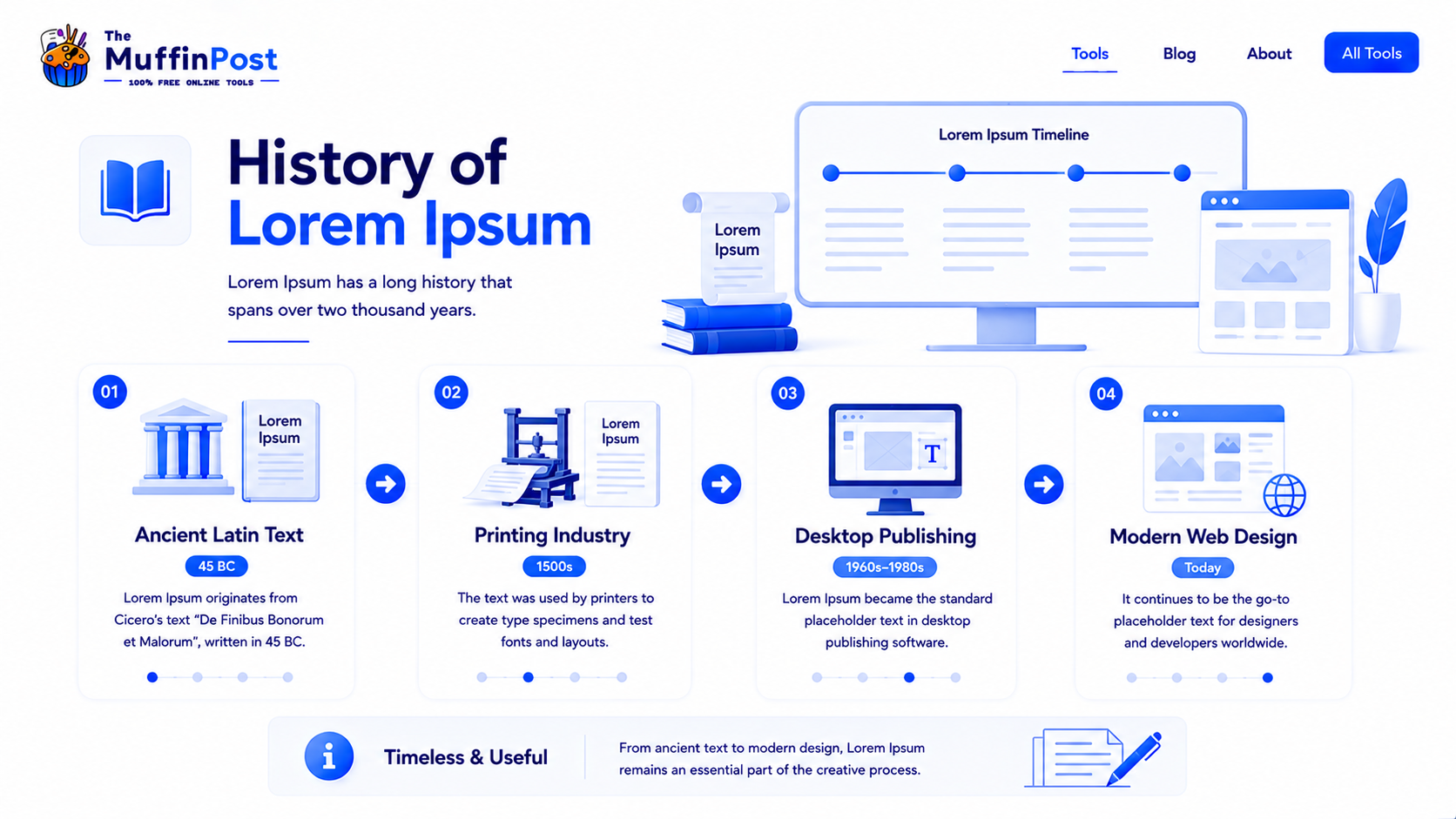
Today, placeholder text is used by designers, developers, marketers and content teams to build layouts before final writing is complete.
Complete placeholder text workflow
Use placeholder text to build and test layouts, then replace it carefully before publishing.
Generate Placeholder Text
- Choose paragraph length
- Generate realistic copy
- Match the expected layout
- Insert into the design
Test the Layout
- Review spacing
- Check typography
- Test visual hierarchy
- Inspect line wrapping
Check Responsive Design
- Test desktop
- Test tablet
- Test mobile
- Adjust text length
Replace Before Launch
- Search for Lorem
- Insert final copy
- Proofread content
- Publish safely
Where is Lorem Ipsum used?
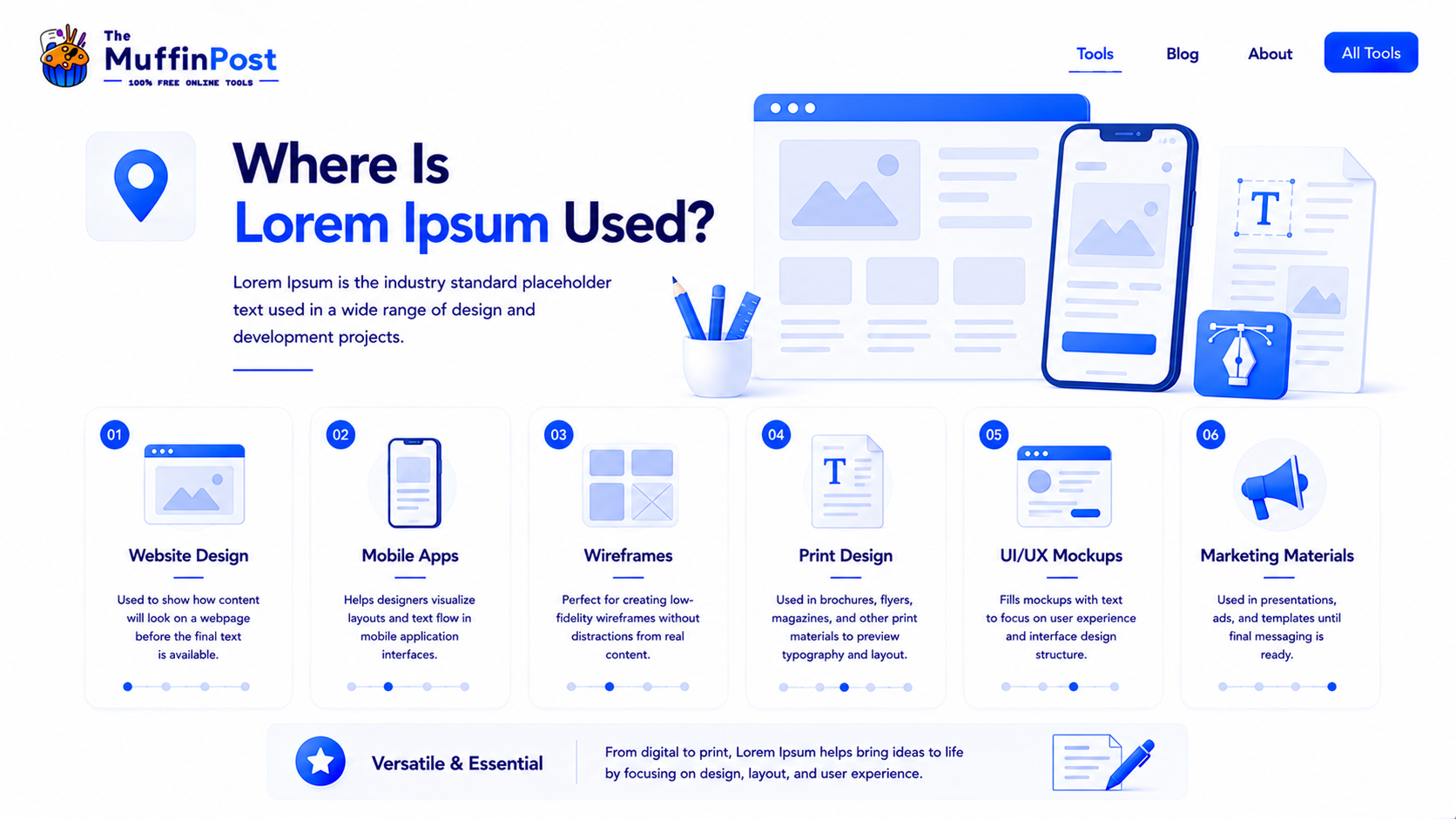
Lorem Ipsum is used anywhere a layout needs to be tested before final content is ready. It is especially common in web pages, landing pages, app screens, wireframes, brochures and design systems.
Website design
Designers use placeholder text to test hero sections, cards, blogs, landing pages and service layouts.
UI/UX mockups
Product teams use dummy text in app screens and prototypes before final copy is approved.
Print and branding
Placeholder text helps preview brochures, posters, menus, magazines and brand materials.
Benefits of using Lorem Ipsum
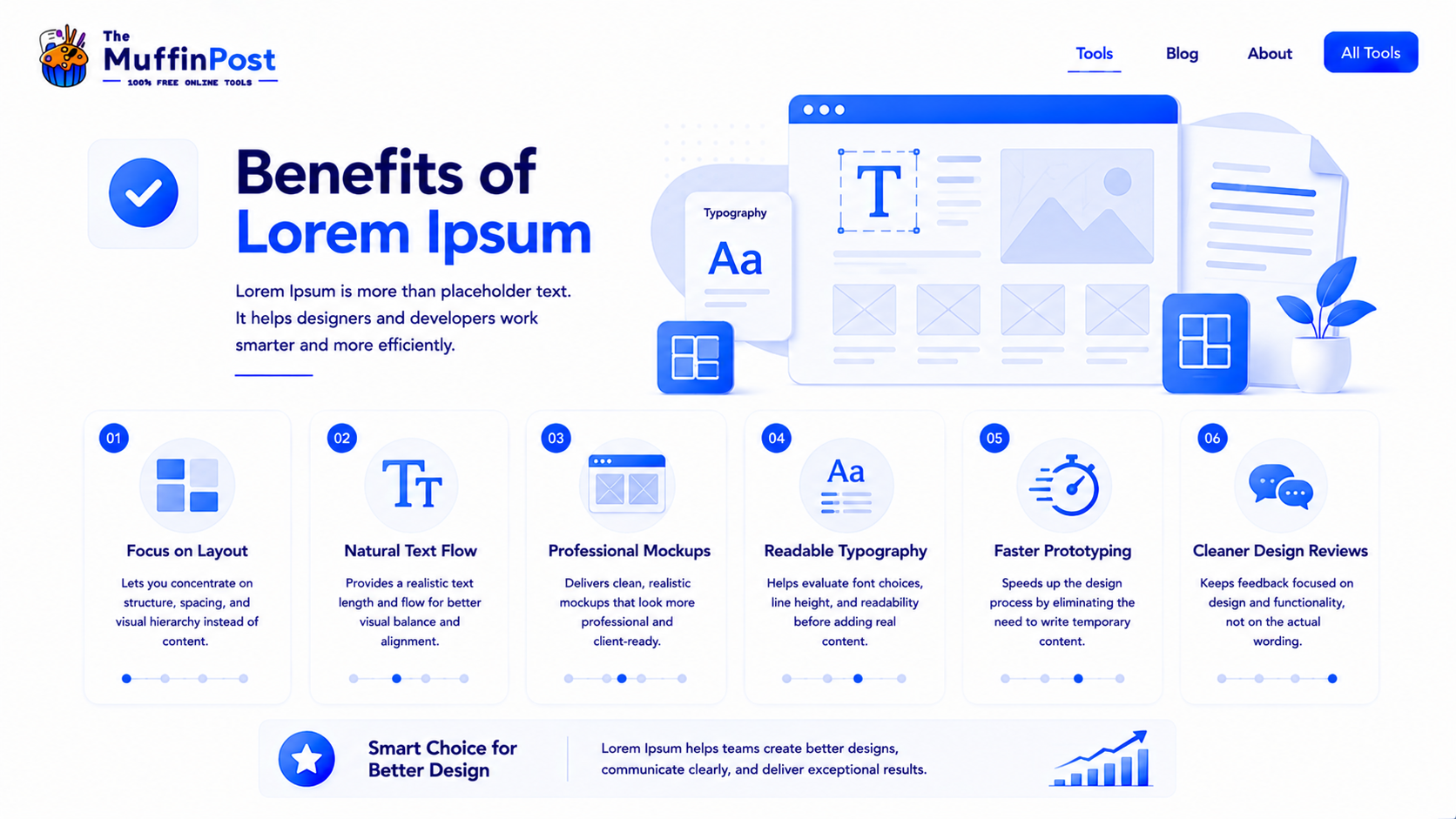
Lorem Ipsum helps teams focus on visual structure before the final message is ready. It makes it easier to review layout balance, typography, spacing and responsive behavior.
| Benefit | Why it helps |
|---|---|
| Focus on layout | Reviewers can evaluate structure without getting distracted by unfinished copy. |
| Test typography | Paragraphs reveal line height, spacing, font size and visual rhythm. |
| Prototype faster | Teams can build mockups while final content is still being written. |
| Improve design reviews | Stakeholders can see the design direction before copy approval. |
Common Lorem Ipsum mistakes
The biggest mistake is publishing placeholder text accidentally. Lorem Ipsum is useful during design, but it should be removed before a page, article or product goes live.
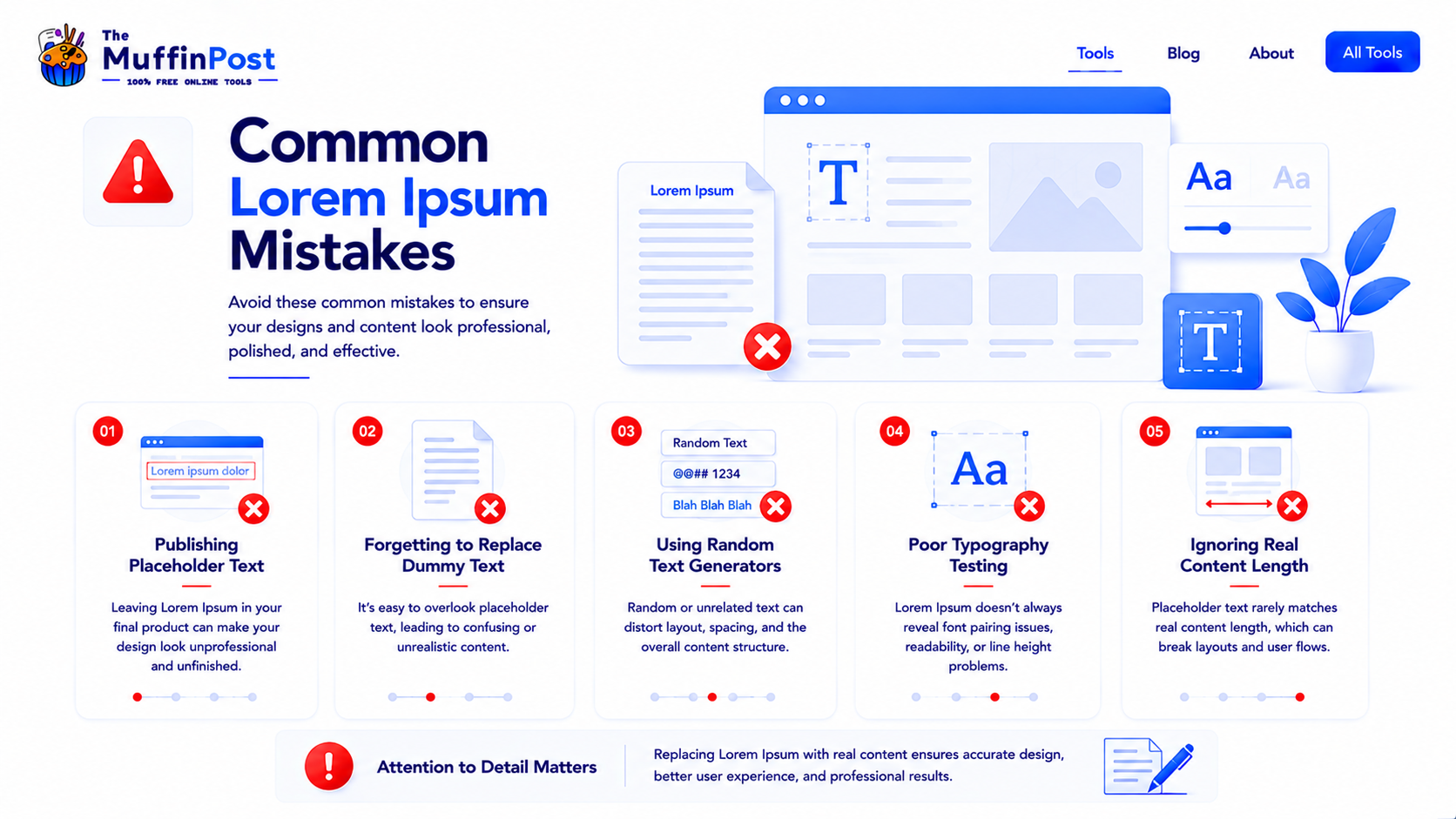
Leaving Lorem Ipsum on a live page looks unprofessional and can hurt user trust.
If your placeholder text is much shorter than the real content, the final layout may break.
Text can wrap differently on mobile screens, so test different lengths before publishing.
Lorem Ipsum best practices
Use Lorem Ipsum during design, but treat it as temporary. The best workflow is to test layout with realistic text length, review responsive behavior and replace everything with final content before publishing.
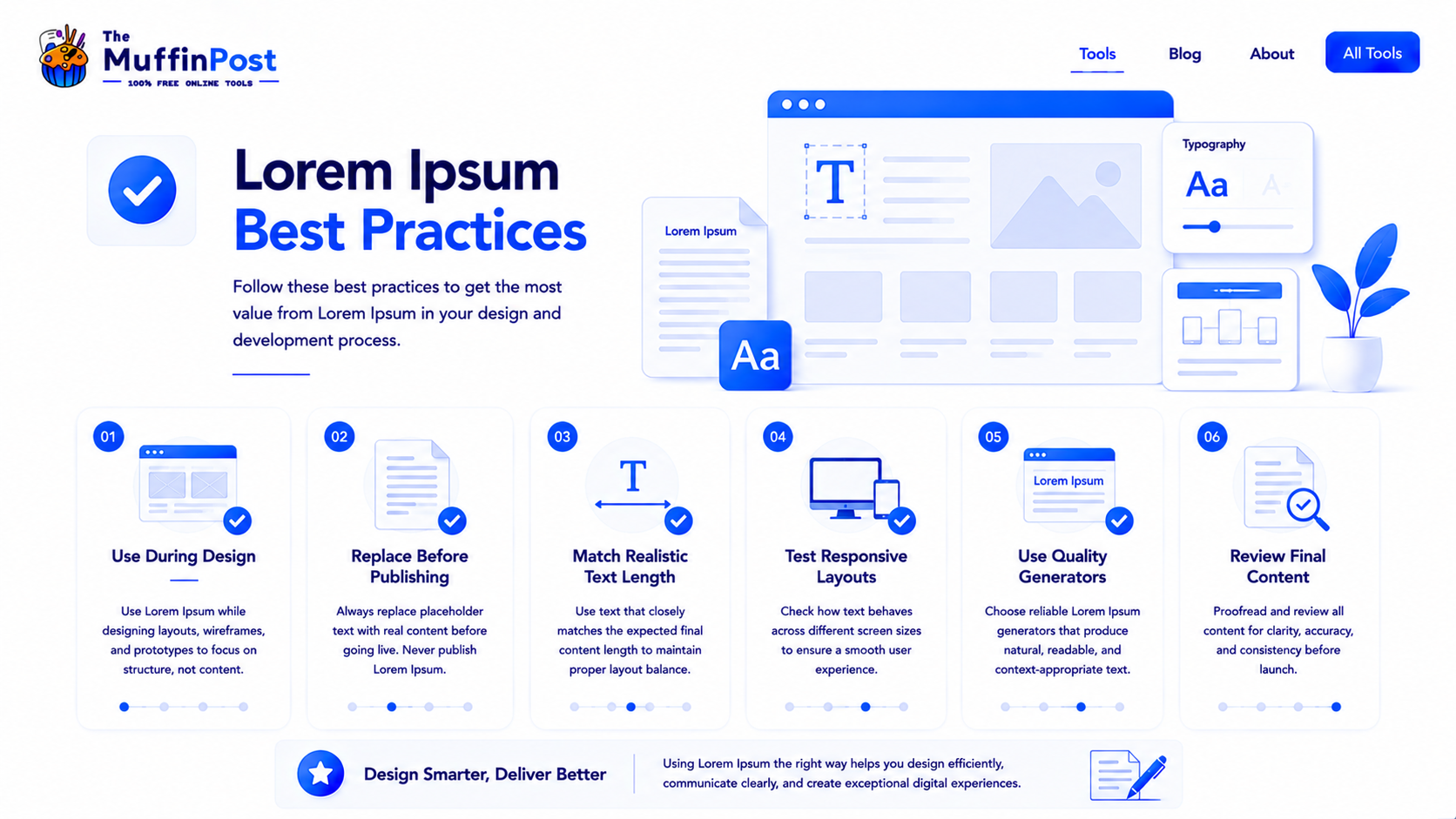
Match real length
Use text blocks that are close to the expected final copy length.
Test responsive design
Check how text wraps on desktop, tablet and mobile screens.
Review final content
Replace placeholder copy and proofread the page before launch.
Start here: generate placeholder text
Create realistic paragraphs for websites, wireframes, app screens, print layouts and design prototypes.
Open Lorem Ipsum GeneratorOpen Word CounterText and Design Learning Center
Continue with practical guides for text length, readability and content optimization.
Frequently asked questions
What is Lorem Ipsum?
Lorem Ipsum is placeholder text used in design, publishing and web development to preview layouts before final content is ready.
Why do designers use Lorem Ipsum?
Designers use Lorem Ipsum to test layout, typography, spacing and visual flow without being distracted by unfinished copy.
Is Lorem Ipsum real Latin?
Lorem Ipsum is based on old Latin-style text, but the common placeholder version is altered and not meant to be read as normal Latin.
Is it okay to publish Lorem Ipsum?
No. Lorem Ipsum should be replaced with final content before a page, document or design is published.
Where is Lorem Ipsum used?
It is used in websites, apps, wireframes, prototypes, brochures, magazines, branding projects and UI/UX mockups.
What is a Lorem Ipsum generator?
A Lorem Ipsum generator creates placeholder text automatically so designers and developers can quickly fill layouts.
Should placeholder text match real content length?
Yes. Using realistic text length helps you test layout behavior more accurately.
Which tools are useful with Lorem Ipsum?
Useful tools include Lorem Ipsum Generator, Word Counter, Character Counter, Reading Time Calculator and Find and Replace Text.

About the author
The MuffinPost Editorial Team creates practical guides for online tools, productivity, file conversion, calculators, marketing workflows and developer utilities.
Build layouts with realistic placeholder text
Generate the right amount of dummy text, test responsiveness and replace it before launch.
Generate Lorem IpsumBrowse Text Tools